
Introduction
Tracking subcontractor and contractor hours accurately is one of the biggest challenges in construction, utilities contracting, civil engineering, groundworks, and traffic management. With workers spread across multiple job sites, paper timesheets are unreliable, and manual entry is prone to errors.
So, what’s the best way to track subcontractor hours? How can you ensure accuracy, prevent fraud, and streamline payroll? In this guide, we’ll explore the best solutions—including a game-changing geofencing time tracking app built for the construction industry.

Common Challenges in Tracking Contractor Hours
Before we get into the best tracking solutions, let’s look at the main issues business owners face:
🔴 Inaccurate timesheets – Manual entry often leads to mistakes or workers rounding up hours.
🔴 Buddy punching – Some workers clock in for others, inflating payroll costs.
🔴 Unverified hours – Without GPS tracking, you don’t know if someone was actually on-site.
🔴 Payroll headaches – Chasing timesheets and calculating hours wastes valuable admin time.
If these issues sound familiar, it’s time to upgrade to a digital tracking solution that eliminates guesswork and ensures fair, accurate, and automated timekeeping.
How to Track Subcontractor & Contractor Hours Efficiently
1. Use a Geofencing Time Tracking App
The most effective way to track contractor hours is with a geofencing-enabled time tracking app. This ensures that workers can only clock in and out when physically on-site, stopping time theft and improving payroll accuracy.
How does it work?
✅ Workers clock in via a mobile app, which detects their location.
✅ If they’re outside the geofenced site, they can’t start or end their shift.
✅ Hours are automatically logged in real time, reducing admin work.
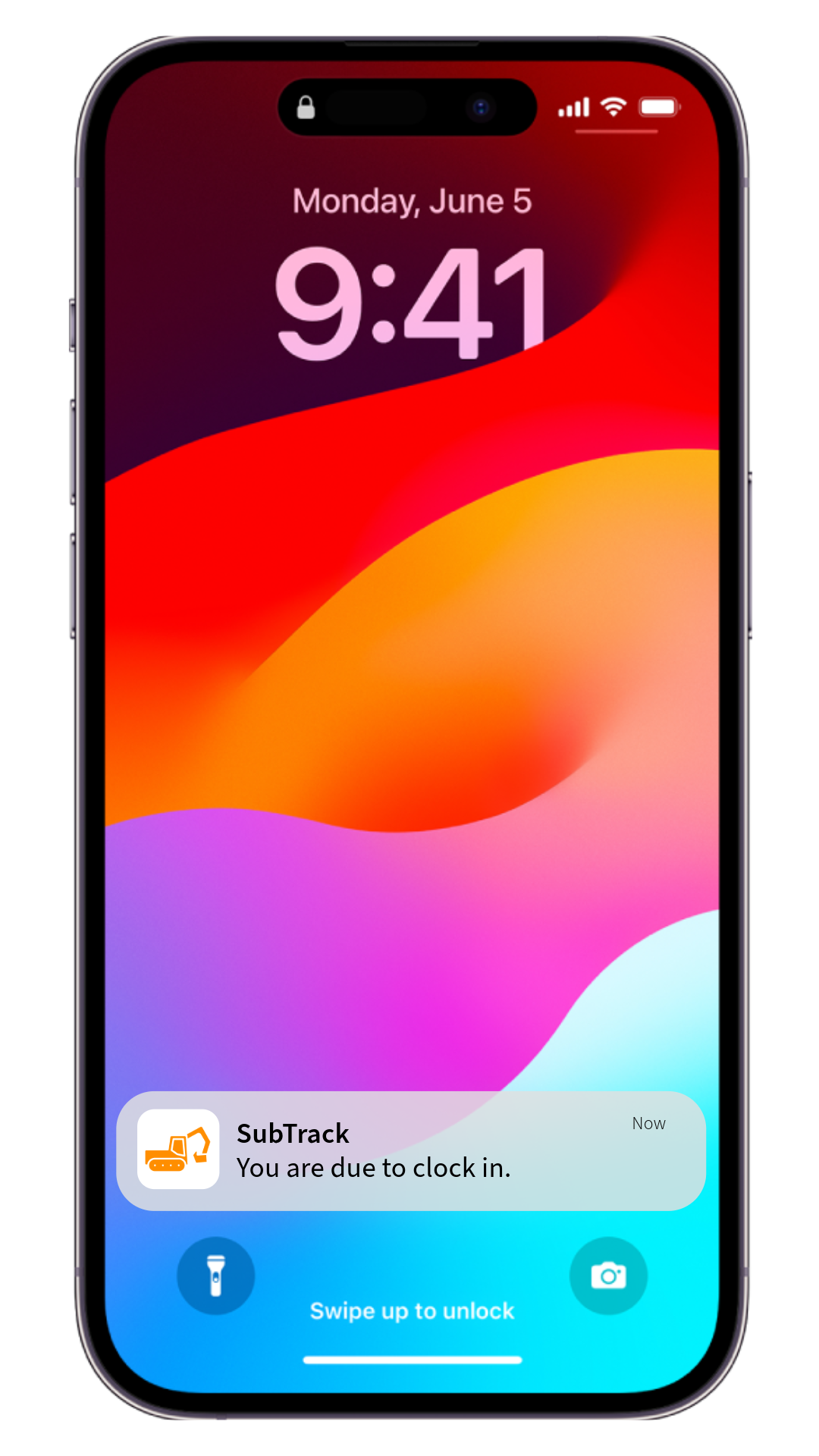
Apps like SubTrack are designed specifically for construction, giving you full visibility over who’s working, when, and where.

2. Switch to Digital Timesheets
Paper timesheets are unreliable and easy to manipulate. Digital timesheets, integrated with time-tracking software, let you track hours live, reduce human errors, and speed up payroll processing.
With SubTrack, timesheets update automatically as workers clock in and out, ensuring accuracy and compliance.
3. Automate Overtime & Compliance Checks
Many construction firms lose money due to unmonitored overtime and compliance issues. A smart tracking system automatically calculates:
🔹 Overtime hours
🔹 Break compliance
🔹 Absenteeism patterns
This ensures labour costs stay within budget and that you comply with working time regulations.
What Is the Best App for Tracking Contractor Hours?
There are plenty of apps for tracking hours, but most aren’t built for the construction industry. The best apps offer:
✅ Geofencing – Prevents workers from clocking in from home or their van.
✅ Automated Timesheets – Eliminates paperwork and errors.
✅ Compliance Tracking – Ensures workers follow regulations.
✅ Payroll Integration – Exports timesheets directly to payroll software.
✅ Offline Functionality – Works even when there’s no signal on-site.
SubTrack is designed for construction, groundworks, utilities, civil engineering and traffic management—giving you full control over contractor and subcontractor hours with zero hassle.
Final Thoughts: The Best Way to Track Hours in Construction
If you’re still using manual timesheets or unreliable clock-in methods, you’re losing money. A geofencing time tracking app like SubTrack can:
✅ Eliminate time theft and early clock-outs
✅ Ensure accurate payroll calculations
✅ Save hours of admin work
✅ Improve compliance with labour and health and safety regulations
Ready to upgrade your workforce tracking? Get started with SubTrack today!