Multi-Location Geofencing
Geofence Your Clock in/out Zones
Configure Your Geofences
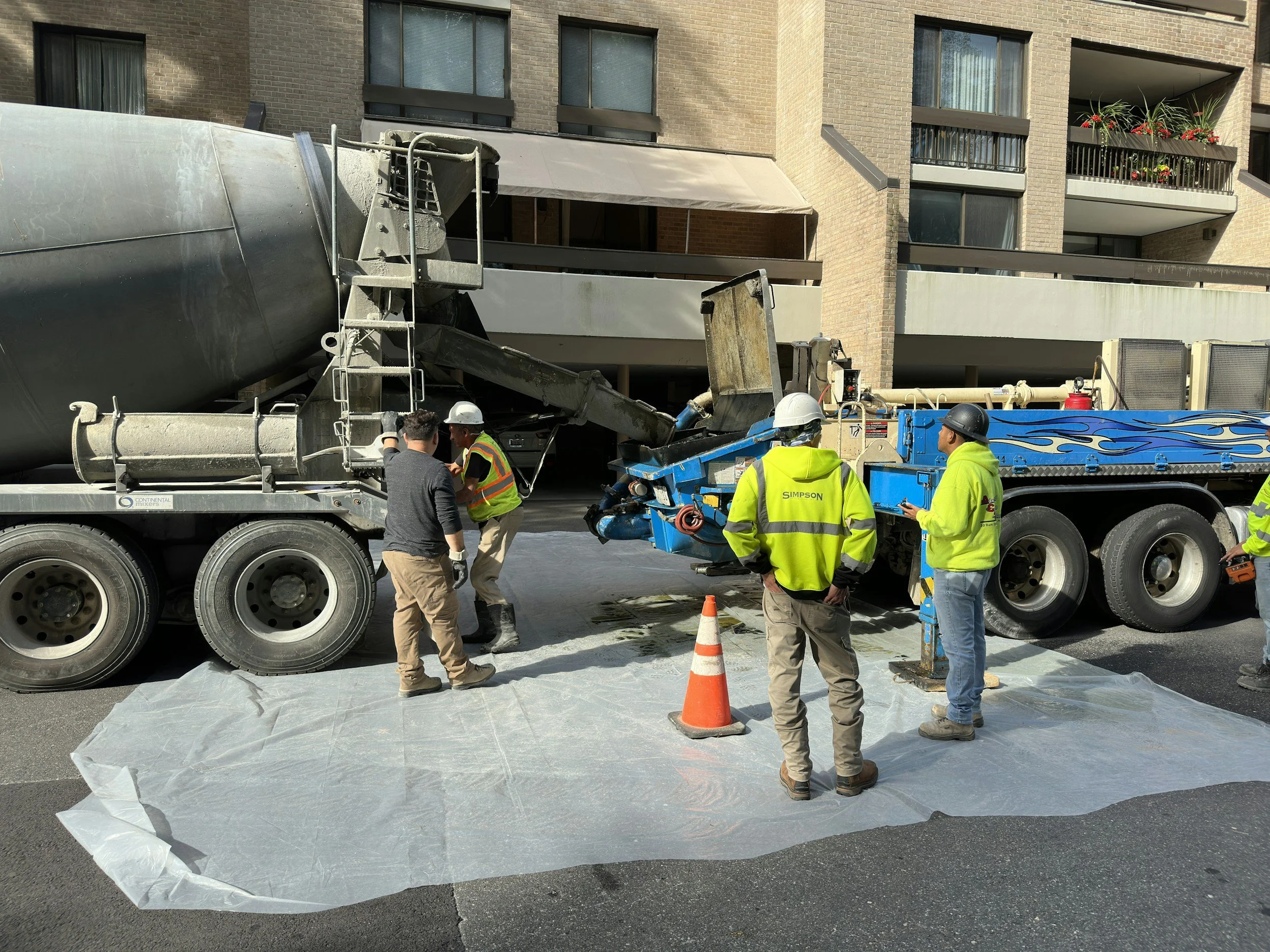
SubTrack allows you to pin-point specific zones each day for each employee and team so that staff can only clock in or out from inside these zones. This is ideal for ensuring your employees are clocking in/out from where they are supposed to be. Not at home. Not from a café. And not for their mates greatly reducing time-theft and lateness.
How Does it Actually Work?
Managing Geofences
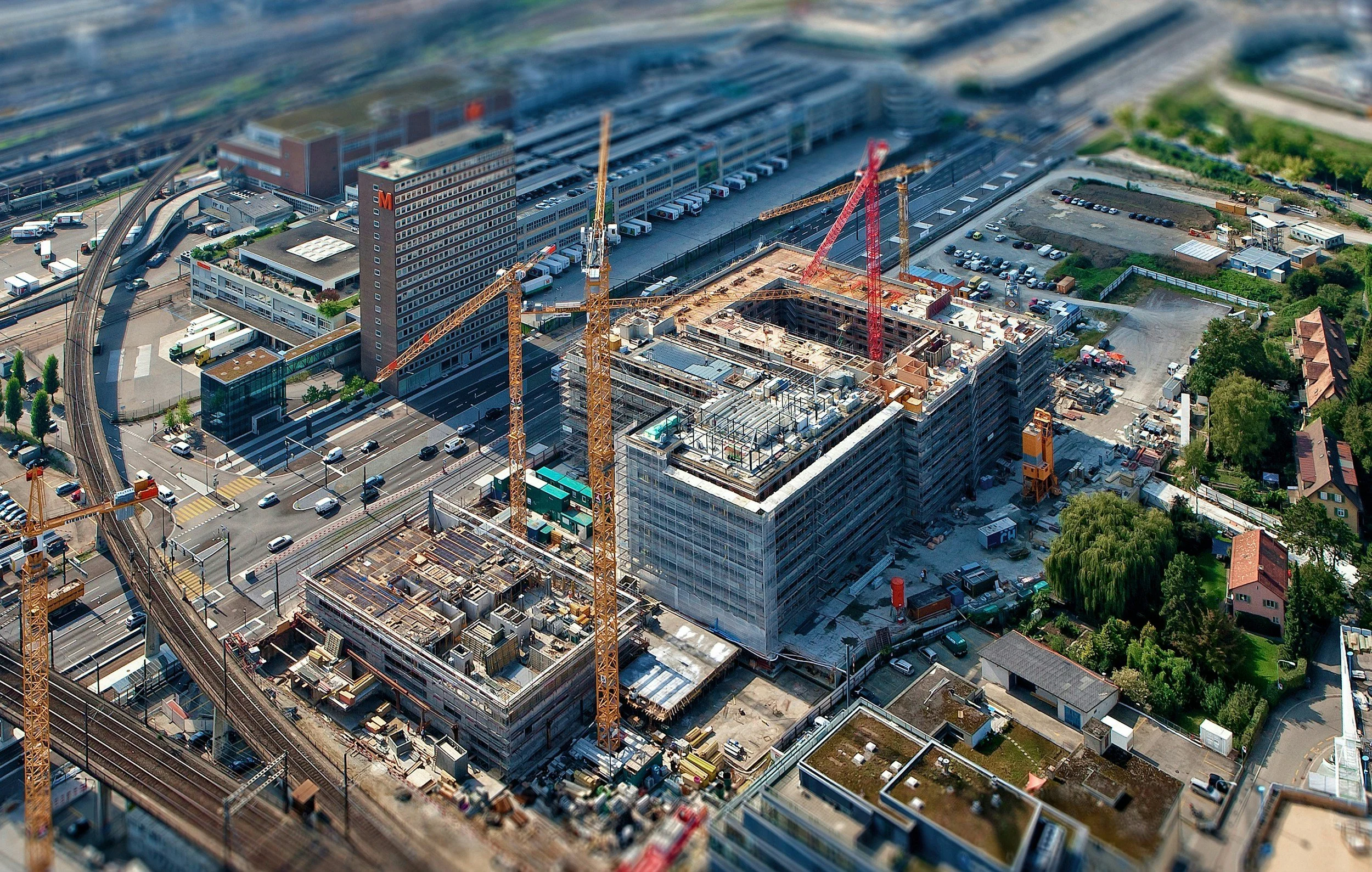
You can configure geofences daily, weekly, monthly or even yearly. Once a geofence is set up for a given employee on a given day, they will receive a notification at the time they are set to start work. This notification will prompt them to clock-in, they will open the app and clock in. Provided they are within the geofence, their clock-in will be successful and the time will be recorded. Similarly, at the time an employee is set to finish they will receive a notification to clock-out. Provided they are in the geofence they will be able to successfully clock out.
What if Someone Arrives Late?
Lateness and Geofences
Employees can easily view their geofence locations and start
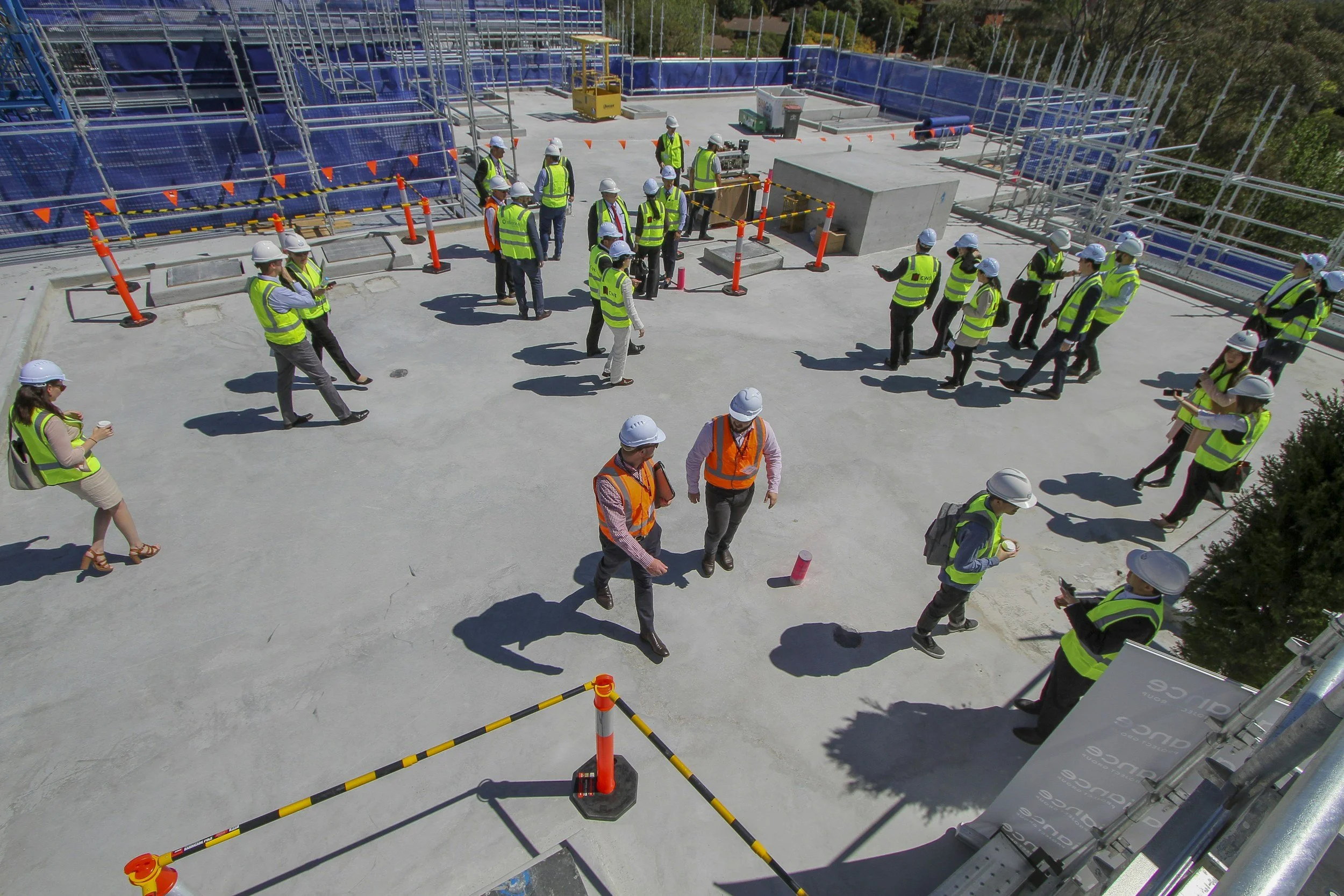
(clock-in) and finish (clock-out) times in the mobile app within ‘My Schedule’. So lateness should be vastly reduced anyway. However, if someone does arrive late then clocks-in this will display as a discrepancy which you can either approve or deny. Approving this would cause their timesheet to state the time they were supposed to start. Denying it would cause their timesheet to display the time that they actually arrived, reducing time-theft and reducing the likelihood of them arriving late repeatedly.

Make Geofencing Work For You
Set Different Geofences
With SubTrack you can set different clock in locations to clock out locations and for different staff members. For example, if you want a staff member to start (clock-in) from the site but finish (clock-out) from head office you can configure this. If you want 10 staff members to start (clock-in) from the site, 4 from the office and 2 from another depot and all to finish (clock-out) from different locations, you can! Our geofencing feature is the most customisable on the market.
What About the Staff?
Where are the Geofences?
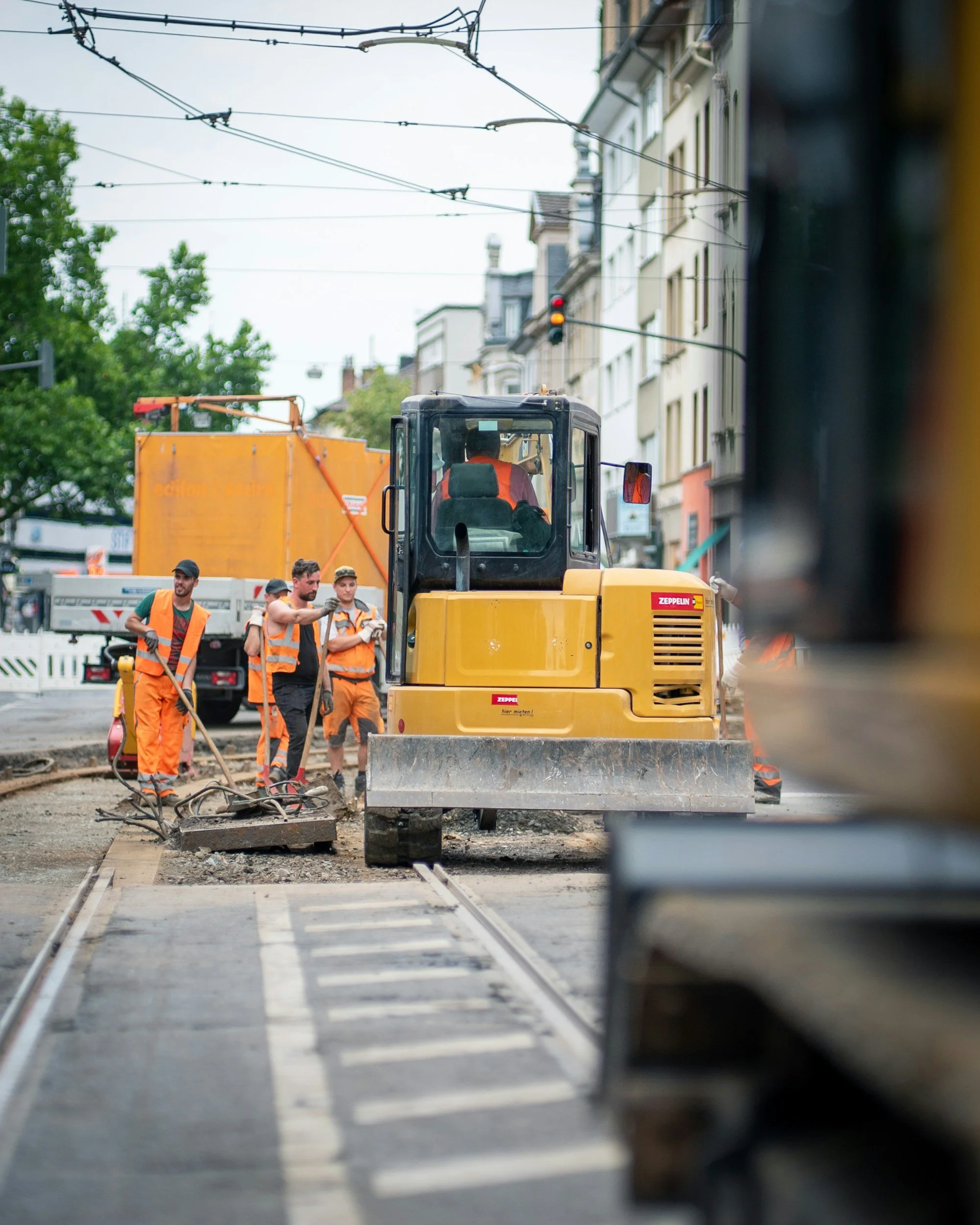
Employees can easily view their geofences in the mobile app within ther schedule. Simply navigate to ‘Schedule’ on the bottom bar, then click ‘Locations’. This ensures that staff can easily see where they are supposed to be clocking in/out from on any given day on a map - they can even set a route there due to SubTrack’s integration with Google Maps. So there’s no excuse!